Contact Center Automation vs. Human Agents: Finding the Right Balance
Contact Center Automation vs. Human Agents: Finding the Right Balance
Prashanth Kancherla
Oct 23, 2026 | 7mins read
Contact center automation should make support easier for customers and agents alike. Yet when a customer is transferred to an agent and has to explain the same problem all over again, automation has only added another step.
The challenge is knowing what to automate, when a human agent needs to step in, and how to make that transition seamless. Getting this balance right can improve efficiency without making customer support feel impersonal.
Key Takeaways
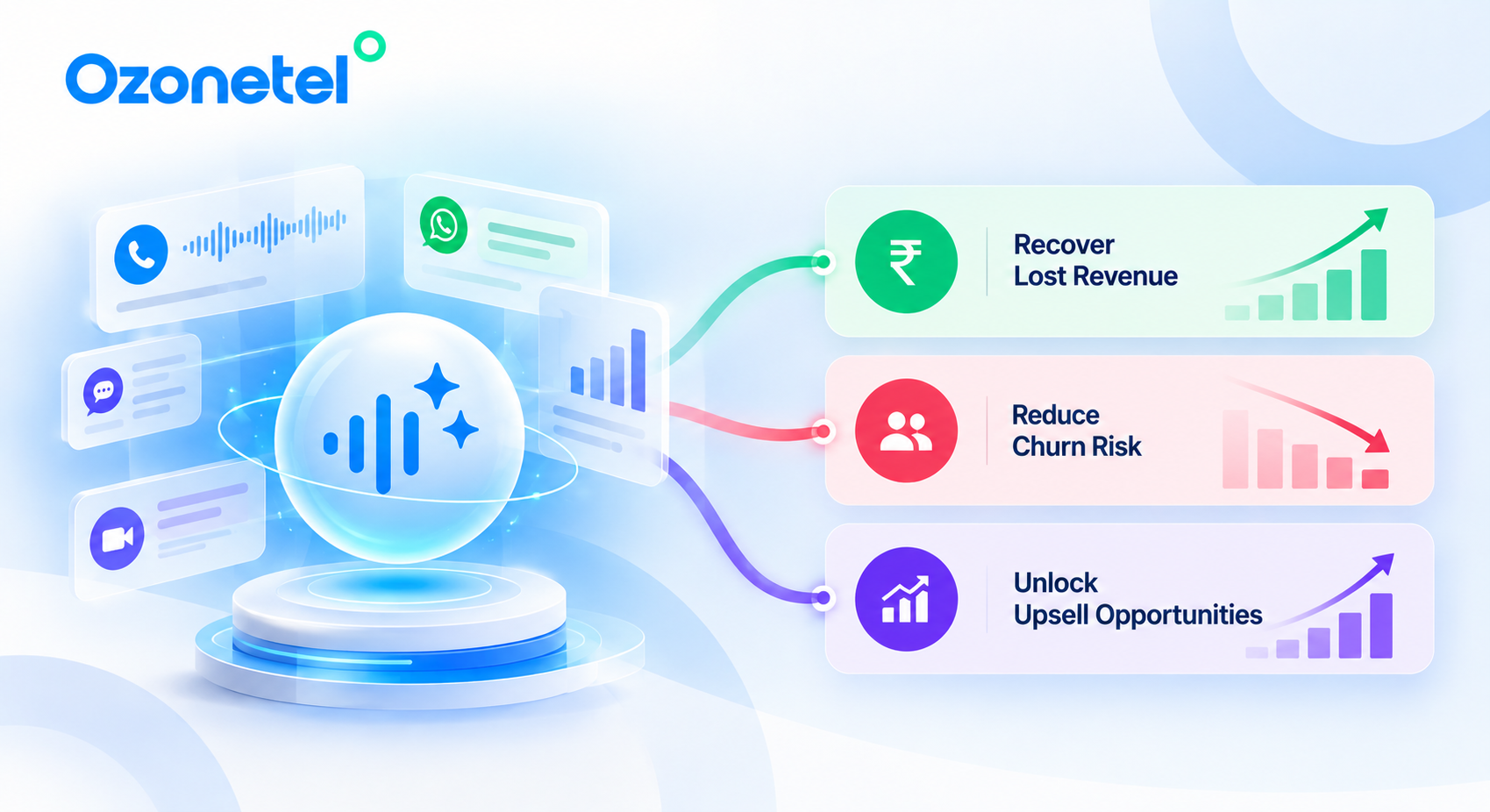
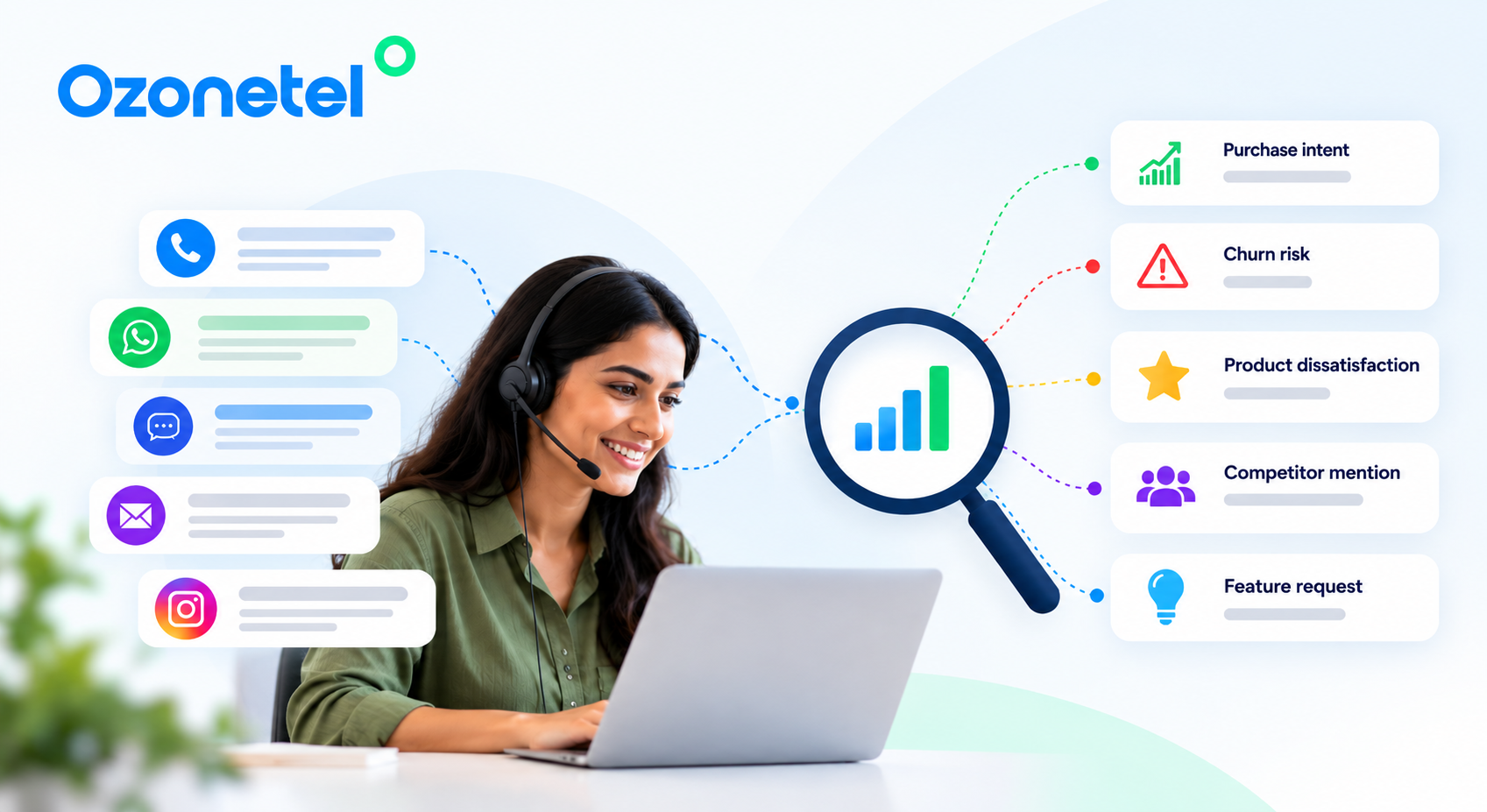
Customer conversations contain early signals of revenue leakage, churn and buying intent.
Repeated objections, unresolved issues and competitor mentions can reveal where revenue is slipping away.
Changes in sentiment, intent and conversation patterns can indicate customer churn risk before a customer actually leaves.
Questions about products, services and new requirements can reveal upsell and cross-sell opportunities.
AI can analyse thousands of customer interactions to identify patterns that are difficult to spot manually.
The real value comes when customer insights lead to action across sales, service, retention and operations.
Contact Center Automation vs. Human Agents: What Works Best?
Understanding where each approach works best helps contact center leaders improve efficiency without compromising customer experience.
Contact center automation uses AI, IVR, routing, and workflow tools to resolve routine interactions or reduce manual work for service teams. Human agents handle situations where context, flexibility, accountability, or empathy matter most.
The idea isn’t to automate every conversation. It’s to give each customer the fastest path to a complete resolution.
Customer Interaction
Best-Fit Approach
Why
Business hours, FAQs, and policy information
Automation
Answers are consistent and readily available.
Order tracking, appointment reminders, and balance checks
Automation with system integration
AI can retrieve information and respond quickly.
Intent identification and initial triage
AI with intelligent routing
The system can identify the request and direct it to the right team.
Complaints, disputes, and cancellations
Human agent
These interactions may require empathy, investigation, or authority.
Complex troubleshooting
Human agent with AI assistance
Agents can investigate and adapt to the situation.
Call summaries and knowledge retrieval
AI-assisted workflows
Automation reduces manual effort while agents retain control of resolution.
McKinsey’s analysis of the contact center’s evolving mix of humans and AI explores this challenge: businesses need to determine where AI adds value and where human involvement remains important.
The strongest approach is coordinated. AI handles suitable requests, gathers information, and completes routine tasks. When a situation requires human intervention, the agent receives the relevant context and can focus on resolving the issue.
How to Decide What to Automate in Your Contact Center
Before automating a call reason or digital-support workflow, assess whether automation will genuinely make the interaction easier for customers and more efficient for your team.
Is the request repetitive? High-volume questions about order status, balances, or appointment availability are often good candidates because the same information is requested frequently.
Can it be resolved reliably? The system needs access to accurate information and a workflow that can complete the task. Requests involving multiple exceptions may need human judgment.
What is the risk of getting it wrong? Financial decisions, sensitive complaints, and regulated interactions may require tighter controls or human oversight.
Does automation reduce customer effort? A complicated bot flow that eventually transfers the customer to an agent may create more work than it saves.
Consider a customer checking a delivery date. If the system can retrieve the latest shipment status, automation can resolve the request in seconds. If the package is missing and a replacement requires approval, a human agent may be better placed to help.
The same principle applies across industries. A routine account query may be straightforward to automate, while a disputed charge or a complex insurance claim may require human intervention.
The best automation candidates aren’t simply tasks AI can perform. They’re interactions where automation improves speed and consistency without reducing customer confidence.
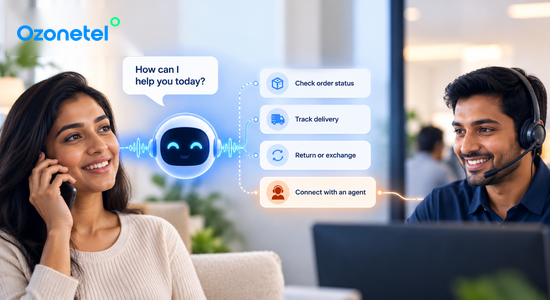
Automate routine customer interactions without losing the human touch.
A seamless handoff allows a customer to move from an automated interaction to a human agent without losing the information already shared.
1. Recognize when AI should step aside
Escalation should not be treated as a failure. It is the right outcome when the customer needs support that automation cannot confidently provide.
Set escalation rules for situations such as:
The customer explicitly asks for an agent.
The AI fails to understand the request after repeated attempts.
The system lacks the information needed to answer reliably.
The customer expresses frustration or urgency.
The issue involves a complaint, dispute, cancellation, or sensitive matter.
The workflow requires an approval or decision beyond the AI’s authority.
Customers shouldn’t have to fight through a bot flow to reach a person. When the system cannot make meaningful progress, it should offer a clear path to human support.
2. Transfer context, not just the call or chat
A transfer becomes frustrating when the agent has none of the information the customer has already shared. The receiving agent should have access to the context needed to continue the conversation.
Depending on the interaction, that includes:
The customer’s stated intent and unresolved issue.
Relevant account, policy, order, or case details.
Authentication or verification status, where applicable.
A concise conversation summary or transcript.
Actions already attempted and their outcomes.
The reason for escalation and the next step required.
This gives the agent a useful starting point instead of forcing them to reconstruct the entire interaction. Twilio’s guide to designing AI-to-human handoffs that preserve context provides further guidance on making this transition more effective.
3. Route the customer to the right agent
The next available agent isn’t always the best agent. A customer with a billing dispute may need someone with different skills and authority than a customer asking about an order.
Ozonetel’s omnichannel routing helps contact centers direct interactions to appropriate departments and skilled teams based on their routing requirements. Relevant factors may include the contact reason, language, product, customer segment, and agent availability.
When customers move between voice and digital customer service channels, preserving relevant interaction history is equally important. A switch from chat to voice shouldn’t mean starting the support journey again.
4. Tell the customer what happens next
A transfer should feel like a continuation of the conversation, not the beginning of another support process.
Use clear language before transferring the interaction:
“I’m connecting you with a specialist who can help resolve this. They’ll have the details you’ve already shared, so you won’t need to repeat them.”
If there is a wait, set realistic expectations and offer a callback where available. Customers should know what is happening and what they can expect next.
The principle is simple: preserve context, explain the next step, and make escalation easy.
Connect customers with the right agent through intelligent omnichannel routing.
A Real-World Example: Connecting Self-Service and Human Support
Customer experience improves when self-service and agent support are designed to work together rather than as separate processes.
Ozonetel’s published Acko customer story reports 20% less time in IVR, 20% higher routing accuracy, and 50% faster resolutions, contributing to a reported CSAT score of 90%.
The implementation combined self-service IVR, routing, and Freshdesk integration to help manage policy, claims, and renewal queries.
The important takeaway is not that automation alone produces these results. It is that self-service, routing, and access to relevant customer information need to work together. Results will vary depending on the workflow, integration quality, and complexity of customer requests.
What Poorly Designed Automation Costs You
Automation that cannot resolve a customer’s issue doesn’t eliminate work. It often moves that work to another channel, another call, or another agent.
The consequences can include:
Repeat contacts about the same issue.
Higher abandonment during IVR or chatbot interactions.
Longer agent handling times because customers must repeat themselves.
Lower customer satisfaction and trust.
Misleading automation-containment figures that hide unresolved problems.
IBM’s overview of contact center automation describes automation as a way to handle routine processes so human agents can focus on more complex customer problems. That distinction matters: automation should make human expertise more effective, not harder for customers to access.
A low handoff rate is not automatically a sign of success. If customers abandon the interaction or call back because their issue remains unresolved, the apparent efficiency gain may be hiding additional work.
How to Measure Contact Center Automation Success
The right metrics reveal whether automation is actually resolving customer needs, not simply ending interactions.
Track these measures together:
Automation resolution rate: The percentage of eligible requests completed without further help for the same issue.
First-contact resolution (FCR): Whether the customer’s issue is resolved in the first interaction, with AI, an agent, or both.
Repeat-contact rate: Whether customers return with the same unresolved problem.
Customer satisfaction (CSAT): How customers rate automated, transferred, and human-led interactions.
Average handle time (AHT): Whether better routing and context reduce agent effort without sacrificing quality.
Abandonment rate: Whether customers leave before receiving help.
Escalation reasons: The issues and moments that consistently require human intervention.
Review these measures by contact reason, channel, and customer segment. For example, a rising automation rate alongside declining FCR may indicate that the system is closing interactions without resolving the underlying problem.
How Ozonetel Connects Automation and Human Support
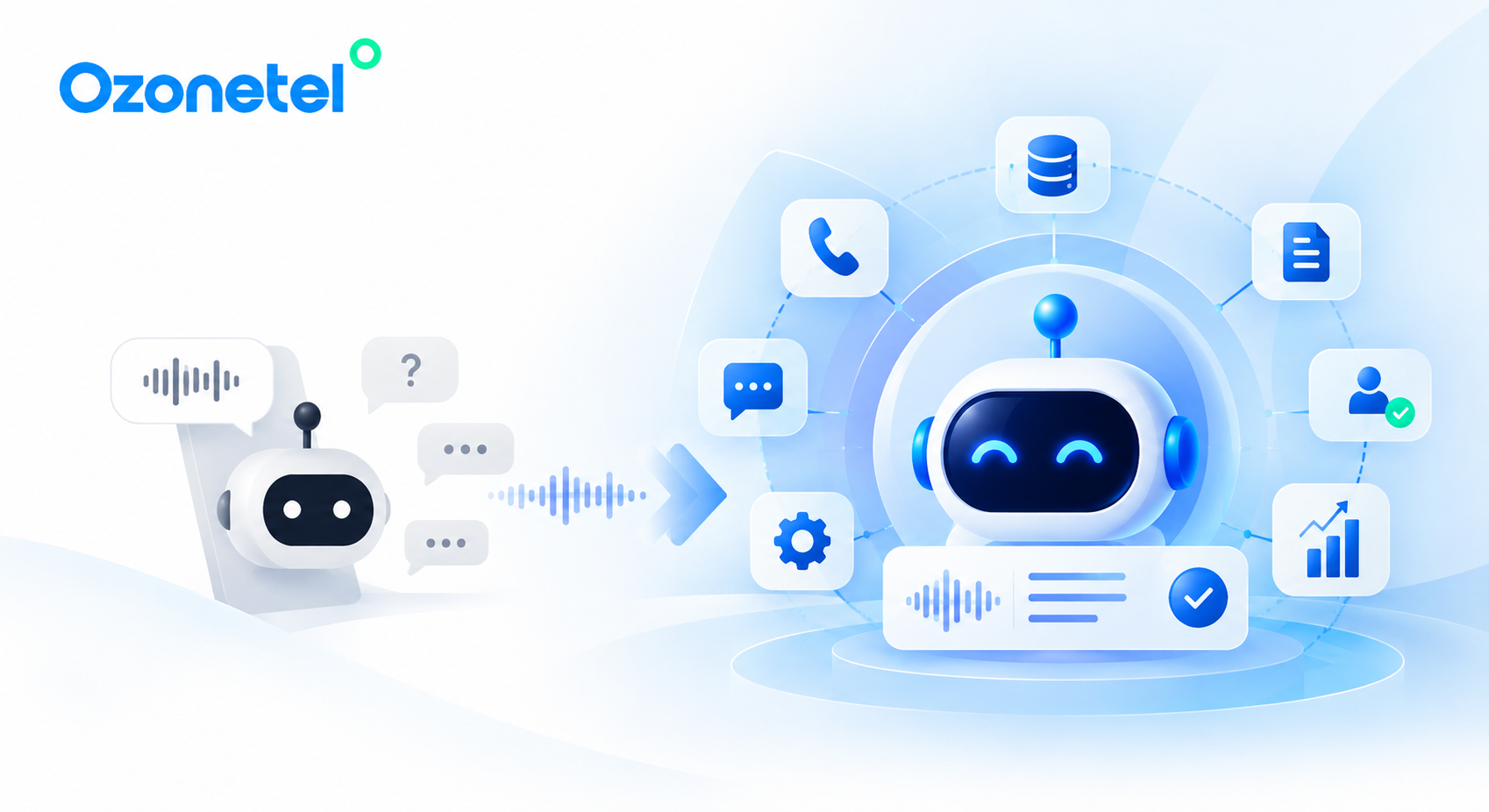
Ozonetel brings together conversational AI, routing, and agent-support capabilities to help contact centers coordinate automated interactions with human expertise.
Its AI capabilities support self-service and call handling, while Agent Assist and conversational intelligence provide agents with relevant context and guidance to help them resolve issues more effectively.
For enterprises coordinating customer journeys across multiple teams and systems, Ozonetel’s AI Command Central offers another avenue to explore how AI, workflows, and customer interactions can be coordinated.
The objective is straightforward: automate routine work, identify exceptions quickly, preserve customer context, and equip agents to resolve the conversations where human expertise adds the most value.
Automate the Routine. Keep Human Help Within Reach.
AI can automate predictable requests and reduce manual tasks, allowing agents to focus on complex, sensitive, and high-judgment conversations. The extent of automation depends on the use case and how the contact center is designed.
High-risk, emotionally sensitive, or exception-based interactions should not be forced through fully automated processes. Complaints, disputes, fraud concerns, and regulated requests often need human judgment and authority.
AI should escalate when it cannot confidently resolve the request, the customer asks for an agent, frustration increases, or the interaction requires investigation, approval, empathy, or specialized expertise.
The agent should receive the customer’s intent, relevant account details, verification status, conversation summary or transcript, actions already attempted, escalation reason, and recommended next step, where available and appropriate.
Track automation resolution rate, FCR, repeat contacts, CSAT, AHT, abandonment, and escalation reasons. Automation-containment rates alone do not reliably show whether customers’ issues have been resolved.