Best Call Center Software in India (2026): The Complete Buying Guide

Prashanth Kancherla
Sep 8, 2026 | 18 mins read

Best Call Center Software Providers in India
1. Ozonetel
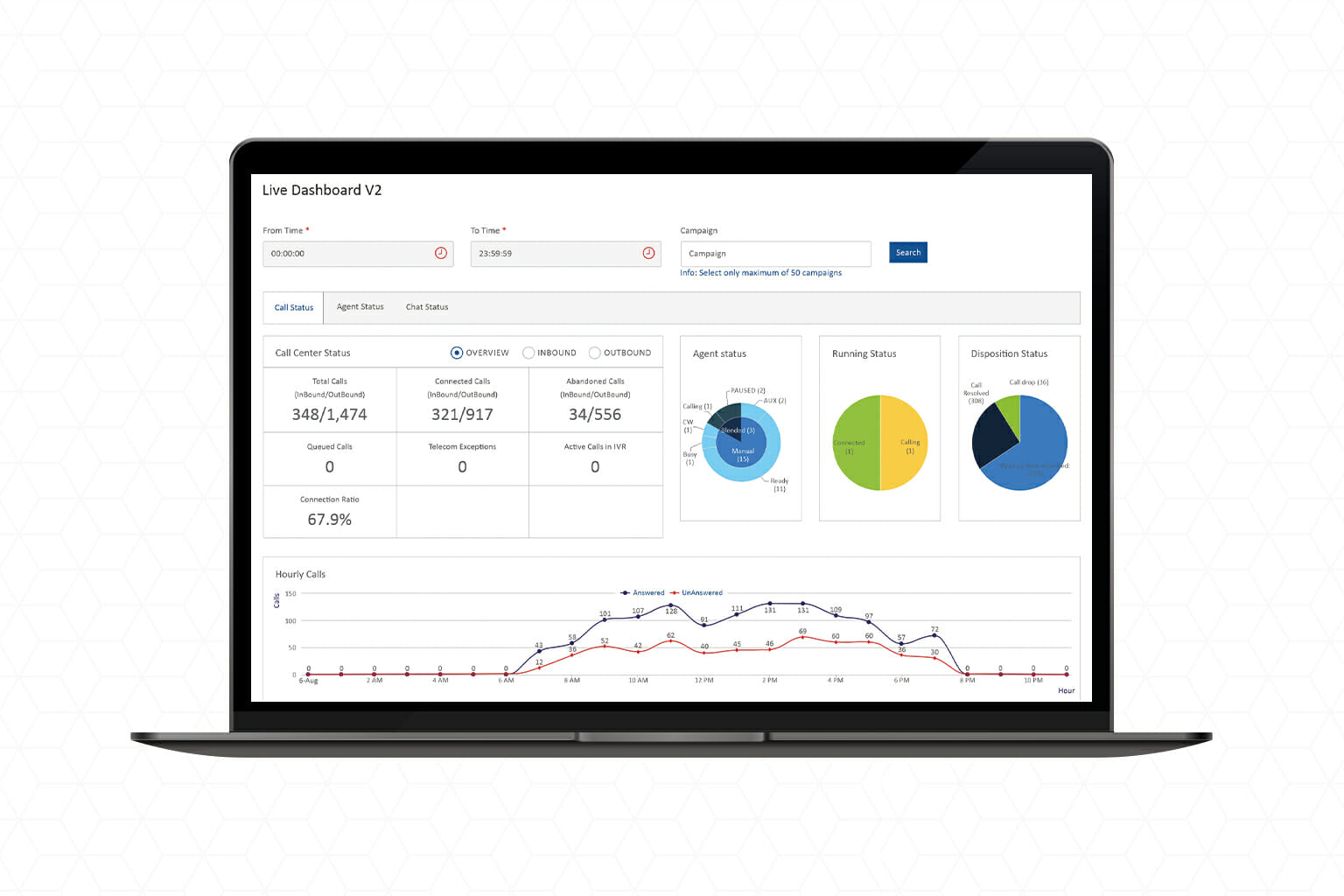
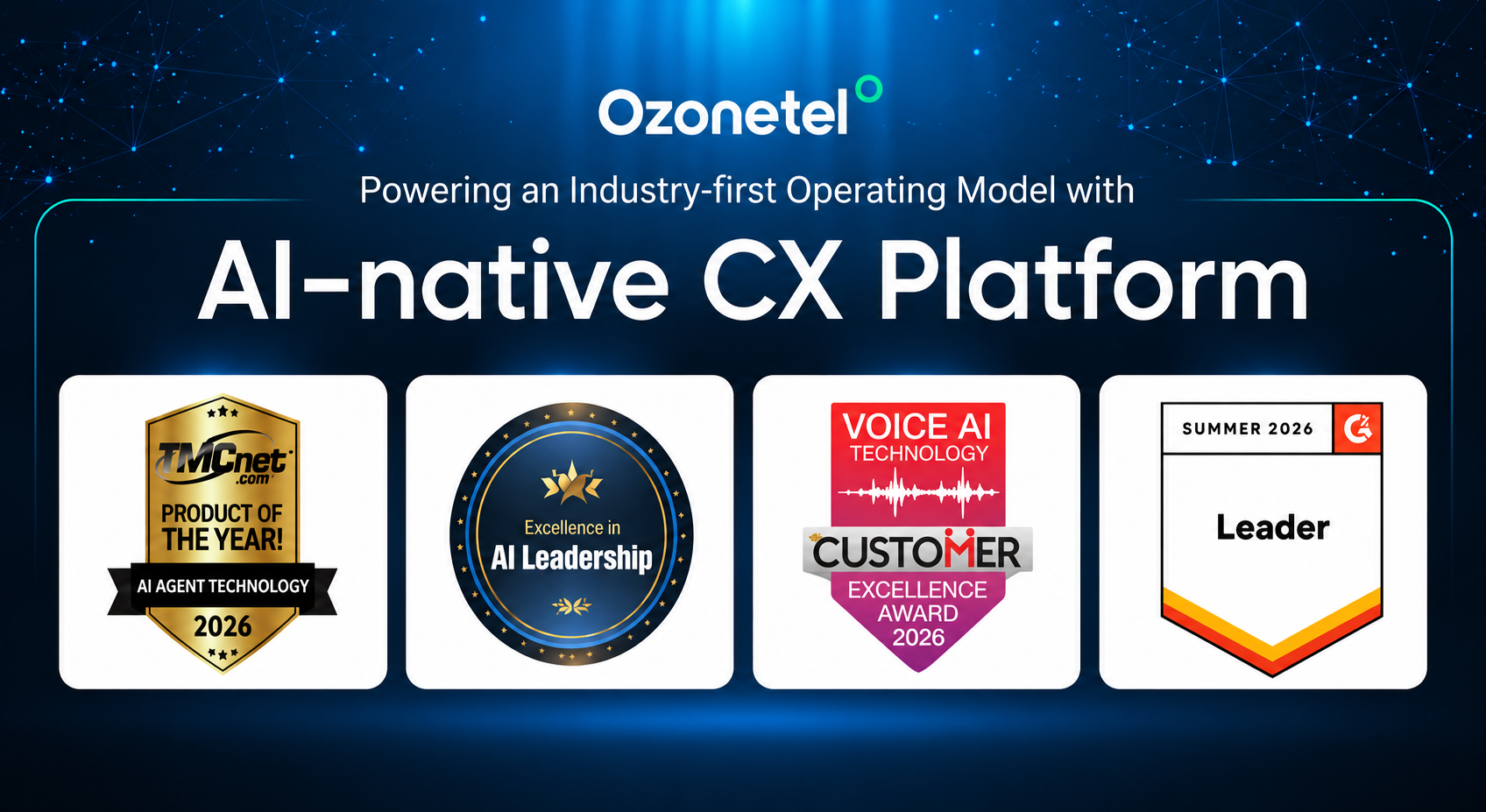
Ozonetel is an AI-native, unified CX platform for Indian and global businesses managing high-volume sales, support, collections, and service conversations. It brings voice and digital customer interactions, workflows, data, and intelligence into one platform. From capturing and intelligently routing inbound leads to automating outbound follow-ups,
Ozonetel call center software gives agents real-time customer context to act faster and more effectively. Its CRM integrations, auto dialers, IVR, omnichannel engagement, AI assistance, and real-time analytics help teams improve connect rates, accelerate resolutions, strengthen compliance, and turn every customer conversation into an opportunity for conversion, retention, and long-term growth.
Who is it best for?
A strong fit for mid-market and enterprise contact centres in BFSI, insurance, D2C and e-commerce, healthcare, and service operations. It suits teams that need inbound, outbound, blended, or omnichannel engagement from one platform.
What features does it offer?
Inbound, outbound, and blended calling; IVR; ACD and smart routing; predictive, power, and preview dialers; real-time and historical reporting; voice and digital engagement; plus AI capabilities for automation, agent assistance, conversation intelligence, and quality audits.
Which integrations does it support?
It lists integrations with Salesforce, Zoho, Freshdesk, HubSpot, LeadSquared, Zendesk, and other business systems. API options can support custom workflows, including click-to-call, screen-pop, call logging, recording links, and disposition updates.
How does pricing work?
No published self-serve pricing — Ozonetel is custom-quoted based on call volume, language requirements, and integration complexity. That means no benchmark number to compare at a glance, but a quote shaped to actual usage rather than a generic per-seat rate.
What are the pros and considerations?
Before deciding, test real language and accent scenarios, peak concurrent-call requirements, reporting needs, data hosting, and the TRAI/DLT operating model for your use case.
What do customers say?
Review Ozonetel’s live G2 profile for current ratings, review volume, and recent comments on implementation, support, integrations, and everyday use.
Read Ozonetel reviews on G2 →
2. CloudTalk
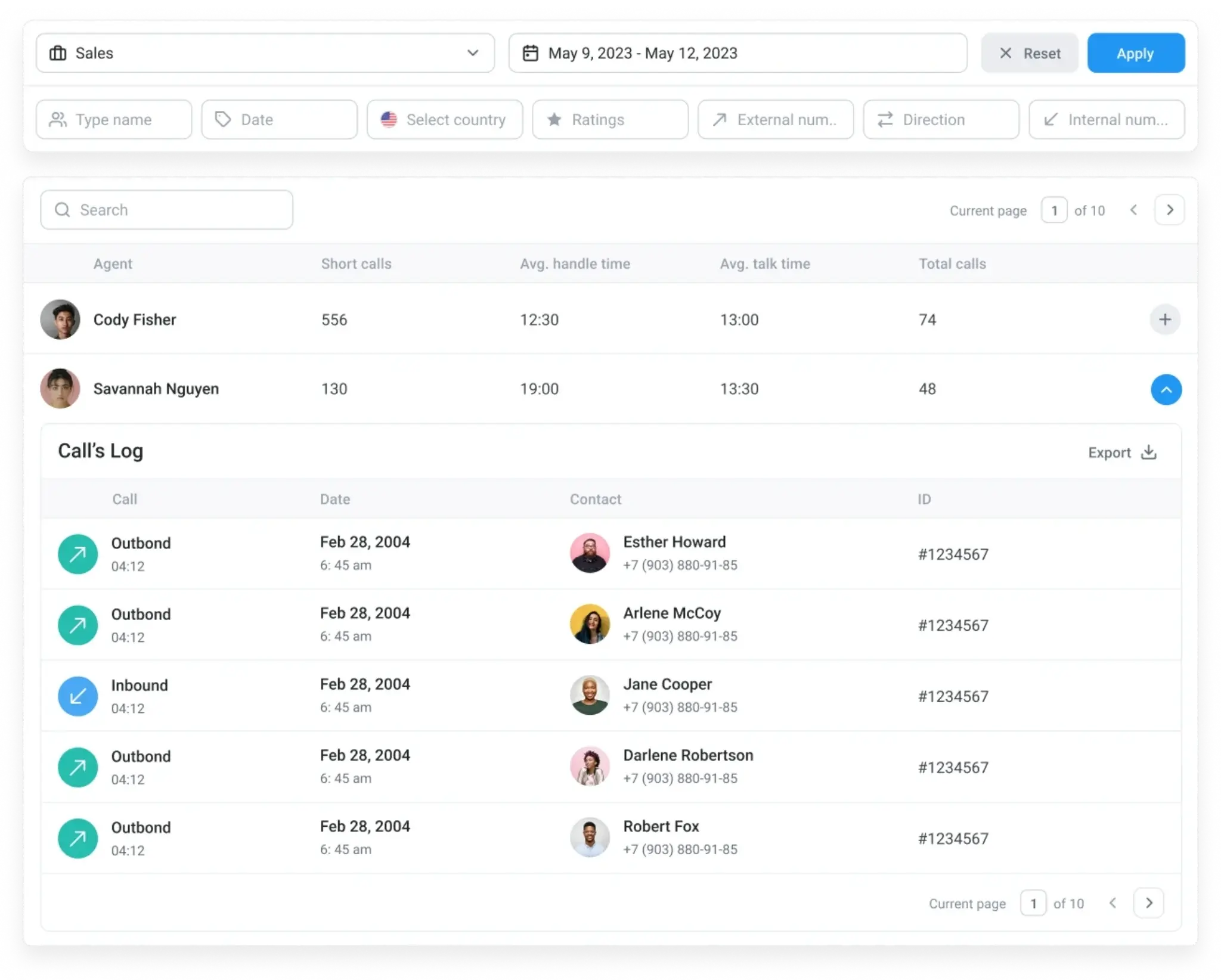
CloudTalk is a cloud calling platform often considered by smaller sales and support teams that want a quick start and a familiar SaaS buying experience.
Who is it best for?
It is a good fit for lean sales and support teams that want cloud calling, dialer tools, and a relatively self-serve setup process.
What features does it offer?
Cloud calling, IVR, call routing, power and smart dialers, call recordings, analytics, workflow automation, and selected AI capabilities depending on the plan.
Which integrations does it support?
It supports HubSpot, Pipedrive, Salesforce, Zendesk, and other business tools. Automation, logging, and field-sync options can vary by connector and subscription tier.
How does pricing work?
Entry tier runs roughly $19–25 per user/month depending on billing cycle, across a five-tier structure, so true cost depends heavily on which automation features you actually need.
What are the pros and considerations?
Check support coverage and confirm that the selected plan includes the dialer and automation functions your team needs.
What do customers say?
Review CloudTalk’s live G2 profile for current ratings, review volume, and recent customer feedback.
3. Aircall
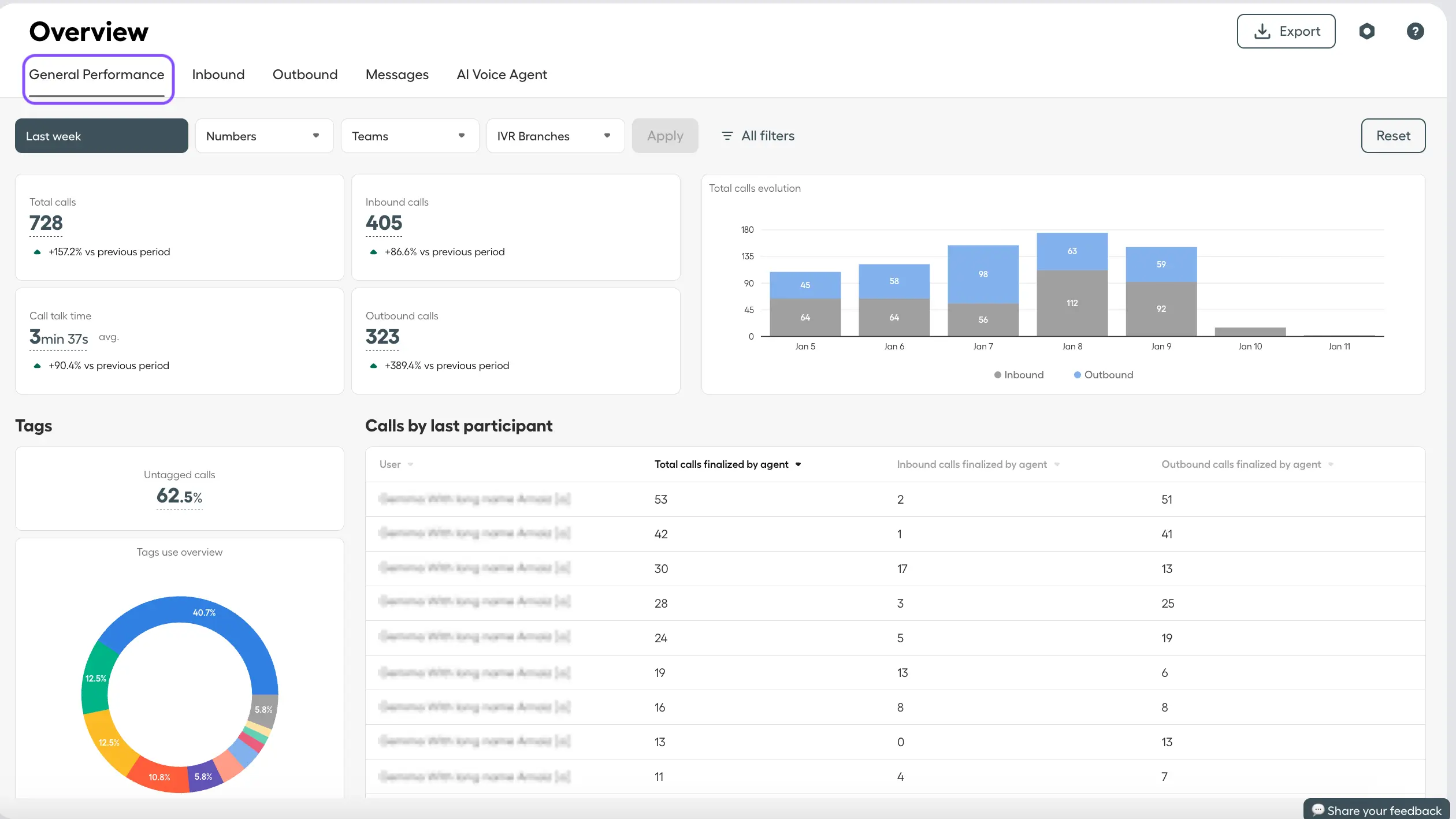
Aircall is a cloud phone system commonly shortlisted by support teams that spend much of their day inside a helpdesk.
Who is it best for?
It is a good fit for support teams working in Zendesk, Freshdesk, Intercom, HubSpot, or similar helpdesk and CRM environments.
What features does it offer?
Cloud telephony, IVR, queue management, call routing, recording, monitoring, coaching, analytics, and marketplace-based extensions.
Which integrations does it support?
It supports Salesforce, Zendesk, HubSpot, Intercom, and other integrations. The exact ticketing, logging, recording, and reporting workflow depends on the connector and plan.
How does pricing work?
Runs on a per-license model — $30–50/license/month on annual billing, with a mandatory three-license minimum, so the real entry cost is closer to $90/month, not the headline $30.
What are the pros and considerations?
Test screen-pop, ticket creation, recording links, reporting, and the final price after minimum seats and add-ons.
What do customers say?
Review Aircall’s live G2 profile for current ratings, review volume, and recent customer feedback.
Read Aircall reviews on G2 →
4. RingCentral
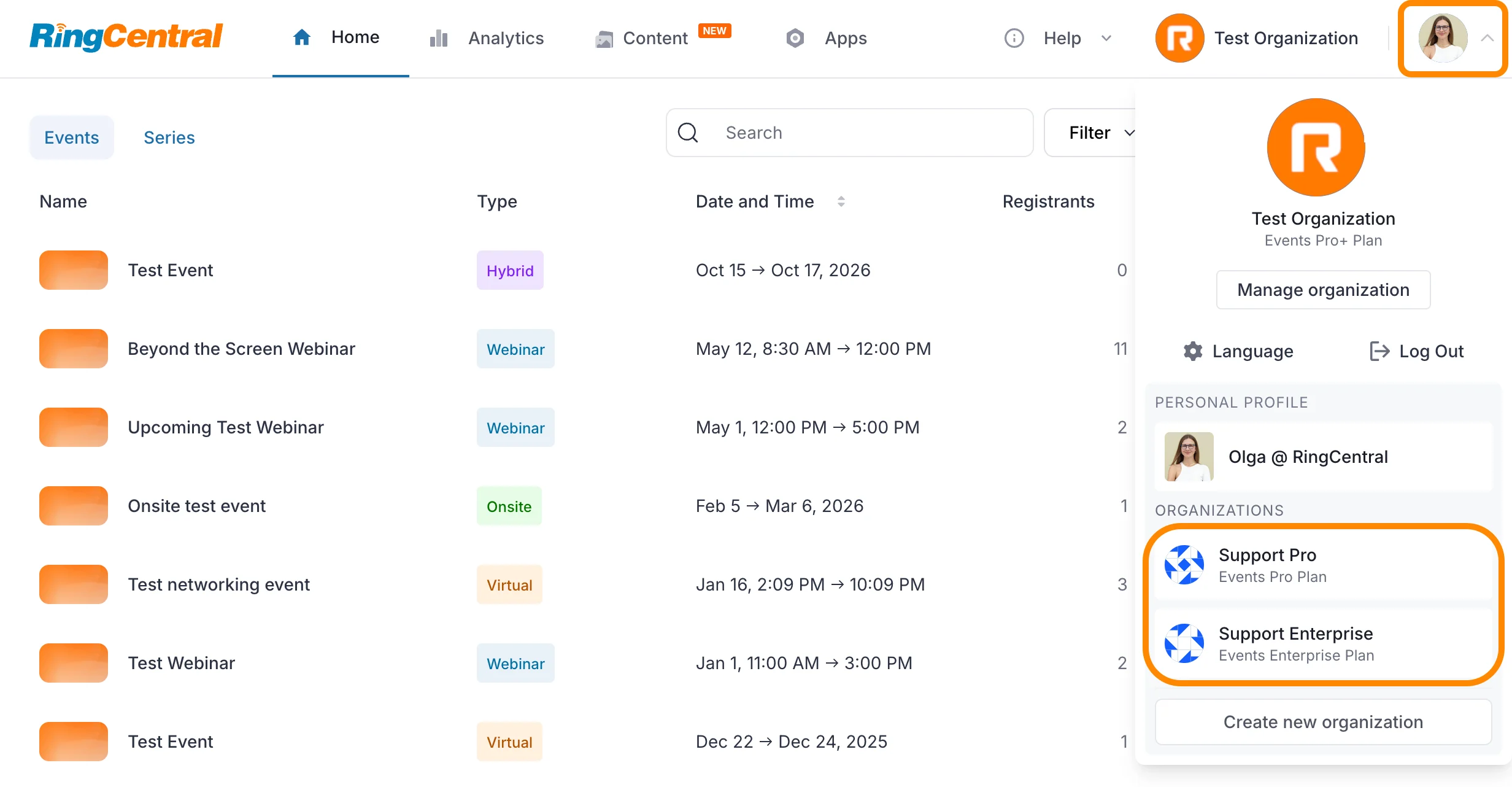
RingCentral combines business communications and contact center products, which can appeal to organisations looking to consolidate vendors.
Who is it best for?
It can suit multinational organisations that want unified communications and contact-center operations from the same provider.
What features does it offer?
UCaaS and CCaaS products with voice, IVR, ACD, routing, digital engagement, analytics, and AI capabilities across relevant packages.
Which integrations does it support?
It supports Salesforce, Zendesk, Microsoft 365, and other business integrations. More advanced workflows may need configuration or professional services.
How does pricing work?
RingEX runs $20–35/user/month; RingCX, the dedicated contact center product, starts at $65–95/user/month, billed in USD.
What are the pros and considerations?
Confirm contact-center scope, digital channel needs, CRM workflow depth, language requirements, and local compliance responsibilities.
What do customers say?
Review RingCentral Contact Center’s live G2 profile for current ratings, review volume, and recent customer feedback.
5. Genesys Cloud CX
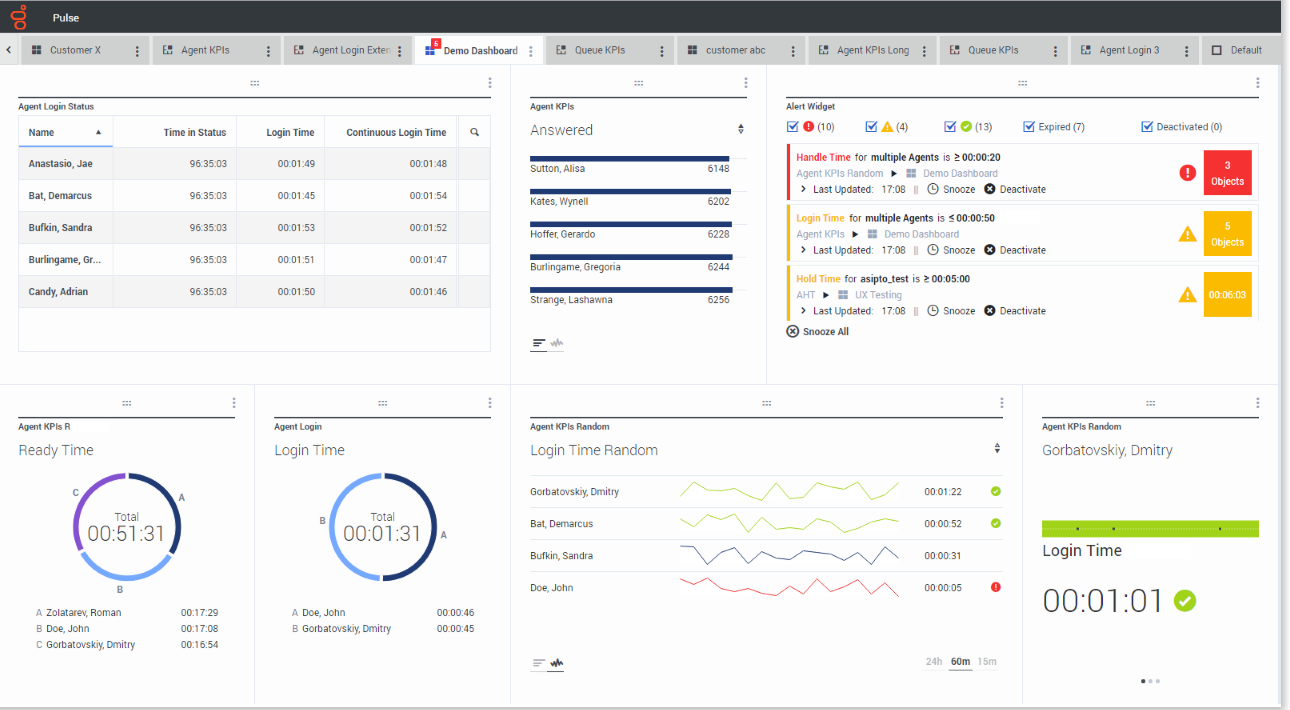
Genesys Cloud CX is an enterprise CCaaS platform designed for organisations with complex routing, governance, and multi-region customer experience requirements.
Who is it best for?
It can suit large, complex, multi-region enterprises that need advanced routing, workforce engagement, AI, and governance capabilities.
What features does it offer?
Omnichannel routing, IVR, workforce engagement, quality management, journey orchestration, analytics, and AI tools for agents and supervisors.
Which integrations does it support?
It supports Salesforce, Zendesk, Microsoft Dynamics, and other integrations. Certain connectors, AI functions, and data flows may need separate licences or services.
How does pricing work?
$75–240/user/month across four Cloud CX tiers, billed annually, with telecom minutes and several integrations priced separately on top.
What are the pros and considerations?
Confirm the implementation scope, required integrations, language testing, data hosting, and the full contract cost.
What do customers say?
Review Genesys Cloud CX’s live G2 profile for current ratings, review volume, and recent customer feedback.
6. Exotel
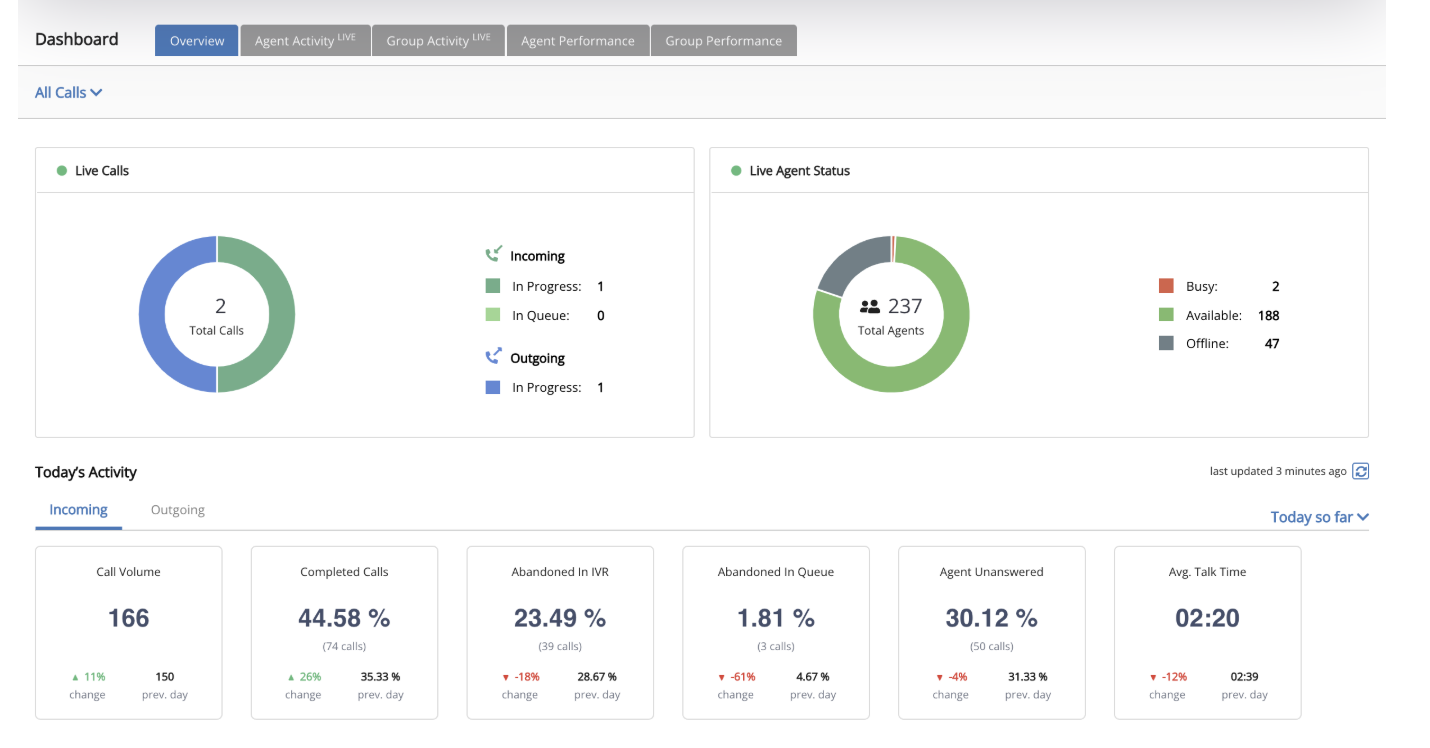
Exotel is an India-focused cloud communication platform often evaluated by SMBs and startups for telephony, IVR, virtual numbers, and campaign communication.
Who is it best for?
It can suit India-focused SMBs and startups that need cloud telephony, IVR, virtual numbers, or campaign communication without enterprise-scale complexity.
What features does it offer?
Voice, IVR, virtual numbers, campaign communication, APIs, and communication options spanning voice, SMS, and WhatsApp.
Which integrations does it support?
It supports Zoho, Freshdesk, LeadSquared, and API-based integrations. The depth of each integration can vary by use case and commercial plan.
How does pricing work?
Runs on prepaid bundles rather than per-user fees — the entry Dabbler plan is roughly $106 for five months covering up to 3 agents, scaling through Believer and Influencer tiers, plus a custom Enterprise plan.
What are the pros and considerations?
Model pulse rounding, credit consumption, number charges, CRM workflow depth, and outbound compliance ownership before comparing prices.
What do customers say?
Review Exotel’s live G2 profile for current ratings, review volume, and recent customer feedback.
7. Knowlarity
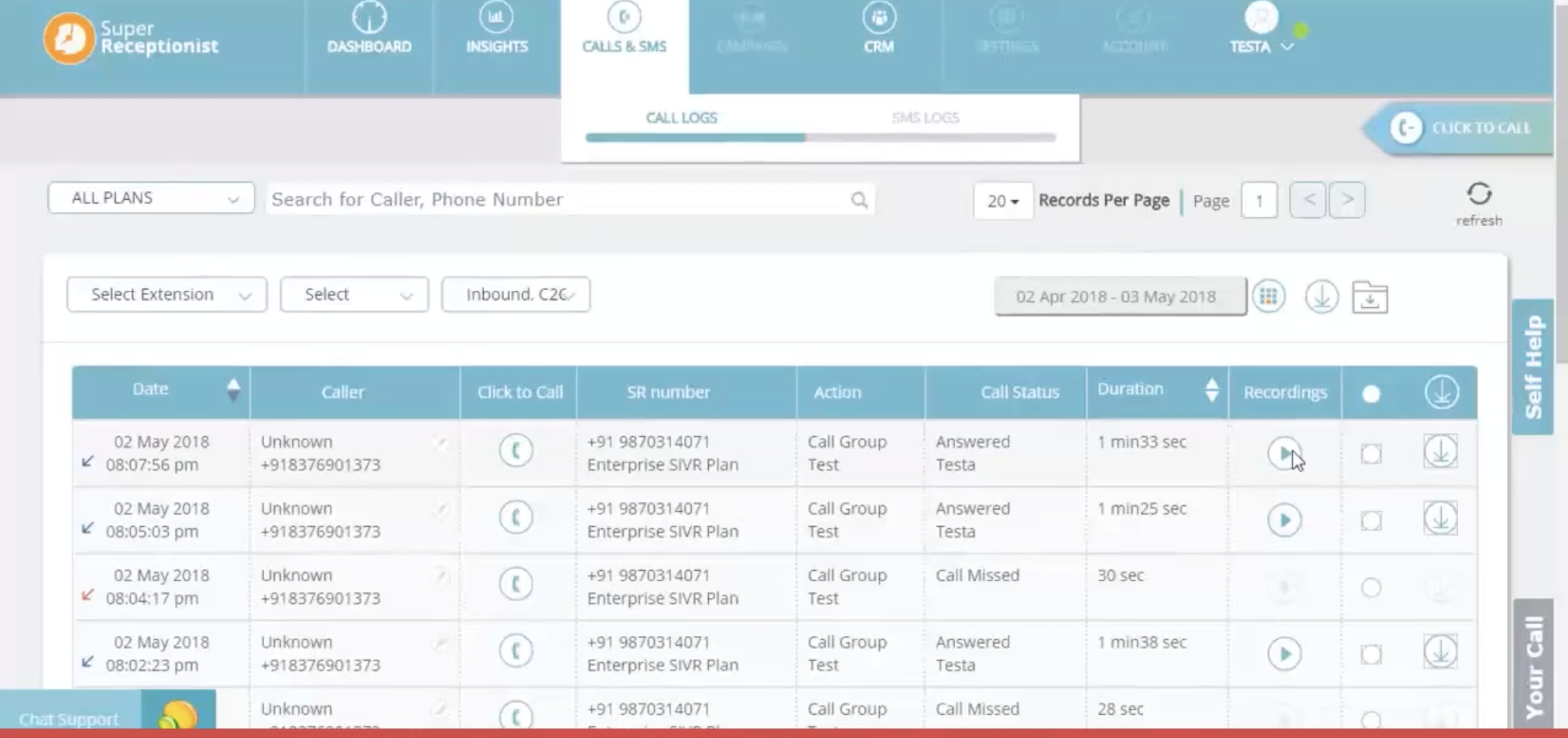
Knowlarity is a cloud communication option for SMBs that want to bring voice and WhatsApp conversations together without managing several vendors.
Who is it best for?
It can suit SMBs seeking a combined cloud telephony and WhatsApp communication stack.
What features does it offer?
Cloud telephony, IVR, click-to-call, WhatsApp Business connectivity, campaign communication, and API access.
Which integrations does it support?
It supports Zoho, Salesforce, and custom API options. Ask for a demonstration using the systems your team already uses.
How does pricing work?
Custom-quoted across its three tiers rather than published self-serve, so an actual quote is needed to compare it directly against Exotel on cost.
What are the pros and considerations?
Check IVR complexity, CRM logging, reporting, number availability, support model, implementation charges, and usage costs.
What do customers say?
Review Knowlarity’s live G2 profile for current ratings, review volume, and recent customer feedback.
8. CallHippo
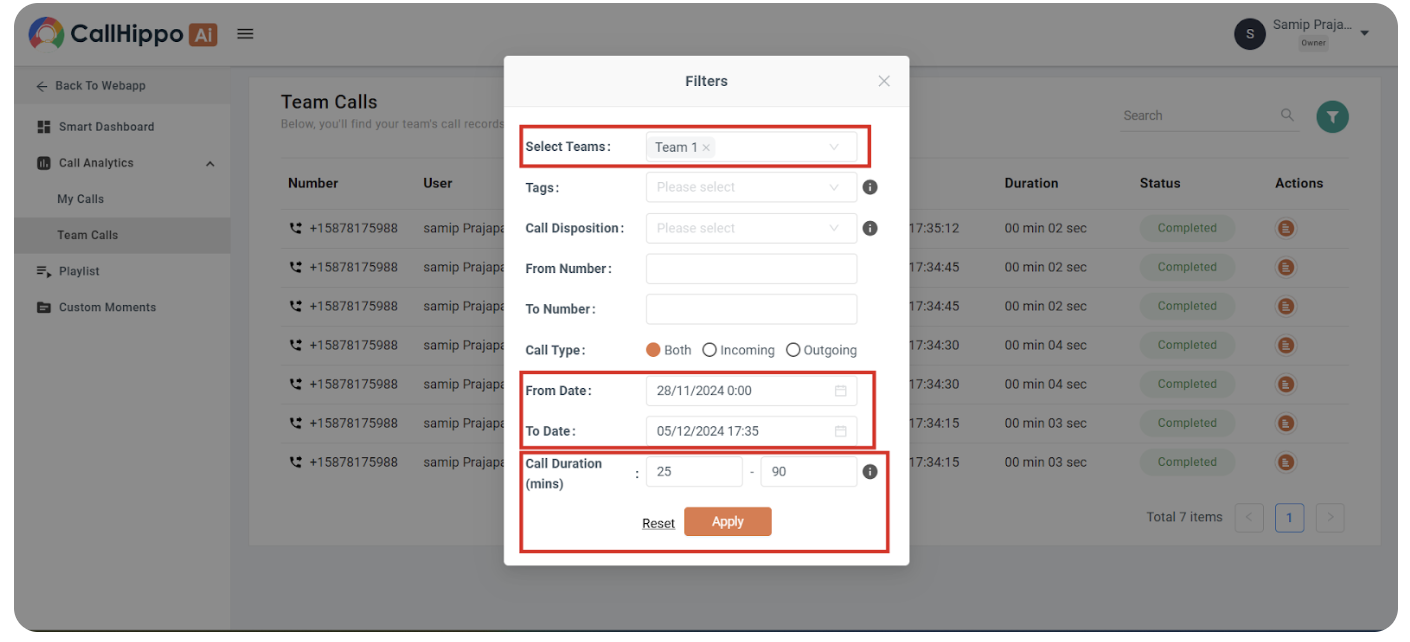
CallHippo is a cloud calling and virtual-number platform that can be a starting point for budget-conscious teams and distributed businesses.
Who is it best for?
It can suit budget-conscious SMBs, founders, and distributed teams seeking virtual numbers and quick cloud calling setup.
What features does it offer?
Virtual numbers, cloud calling, IVR, dialers, basic call management, integrations, and optional AI features.
Which integrations does it support?
It supports HubSpot, Pipedrive, Zoho, Salesforce, and other integrations. Automation and call-logging capabilities can vary by plan.
How does pricing work?
Free Basic tier; Essential tiers run $18–42/user/month billed annually; a separate Pro Suite line starts around $35/month for call-center-specific features, plus custom Enterprise pricing above 50 seats.
What are the pros and considerations?
Confirm call quality, India-specific calling requirements, CRM workflows, and all add-on charges.
What do customers say?
Review CallHippo’s live G2 profile for current ratings, review volume, and recent customer feedback.
9. Servetel
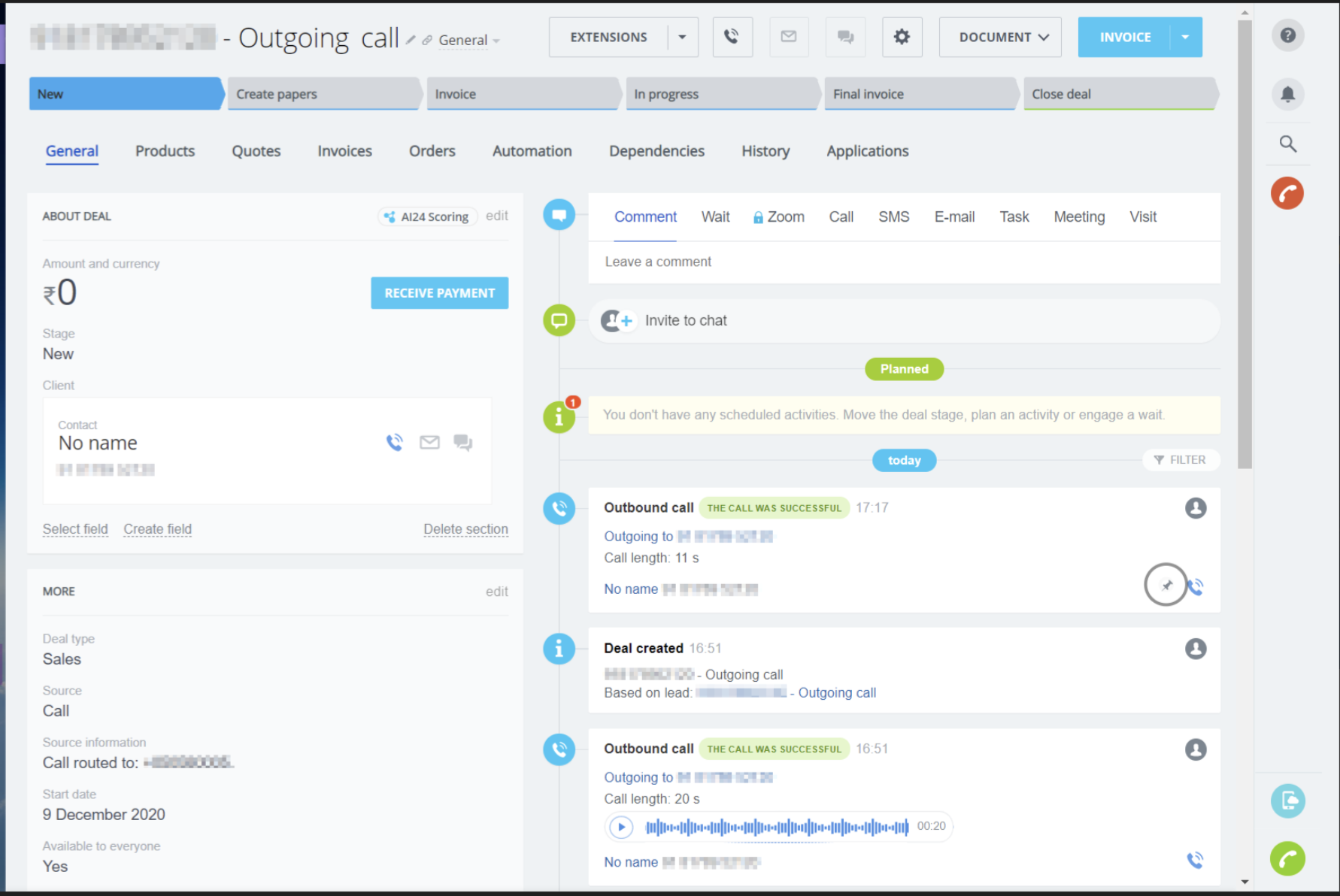
Servetel is an India-focused cloud telephony provider for teams that need IVR, outbound calling, local support, and configurable communication services.
Who is it best for?
It can suit Indian mid-market and enterprise teams seeking local telephony support, IVR, outbound calling, and SLA-led operations.
What features does it offer?
Virtual and toll-free numbers, IVR, outbound calling, voice broadcasting, missed-call services, reporting, and API connectivity.
Which integrations does it support?
It offers CRM integration and API options. Check the level of prebuilt connector support and configuration required during the buying process.
How does pricing work?
Servetel doesn’t publish self-serve pricing; quotes are custom, though a free trial (commonly reported around 10–15 days) is available to test call quality before committing.
What are the pros and considerations?
Use a proof of concept to test call quality, routing, reporting, CRM data flow, support response, and number setup.
What do customers say?
Review Servetel’s live G2 profile for current ratings, review volume, and recent customer feedback. Consider the review sample size when drawing conclusions.
10. Avaya
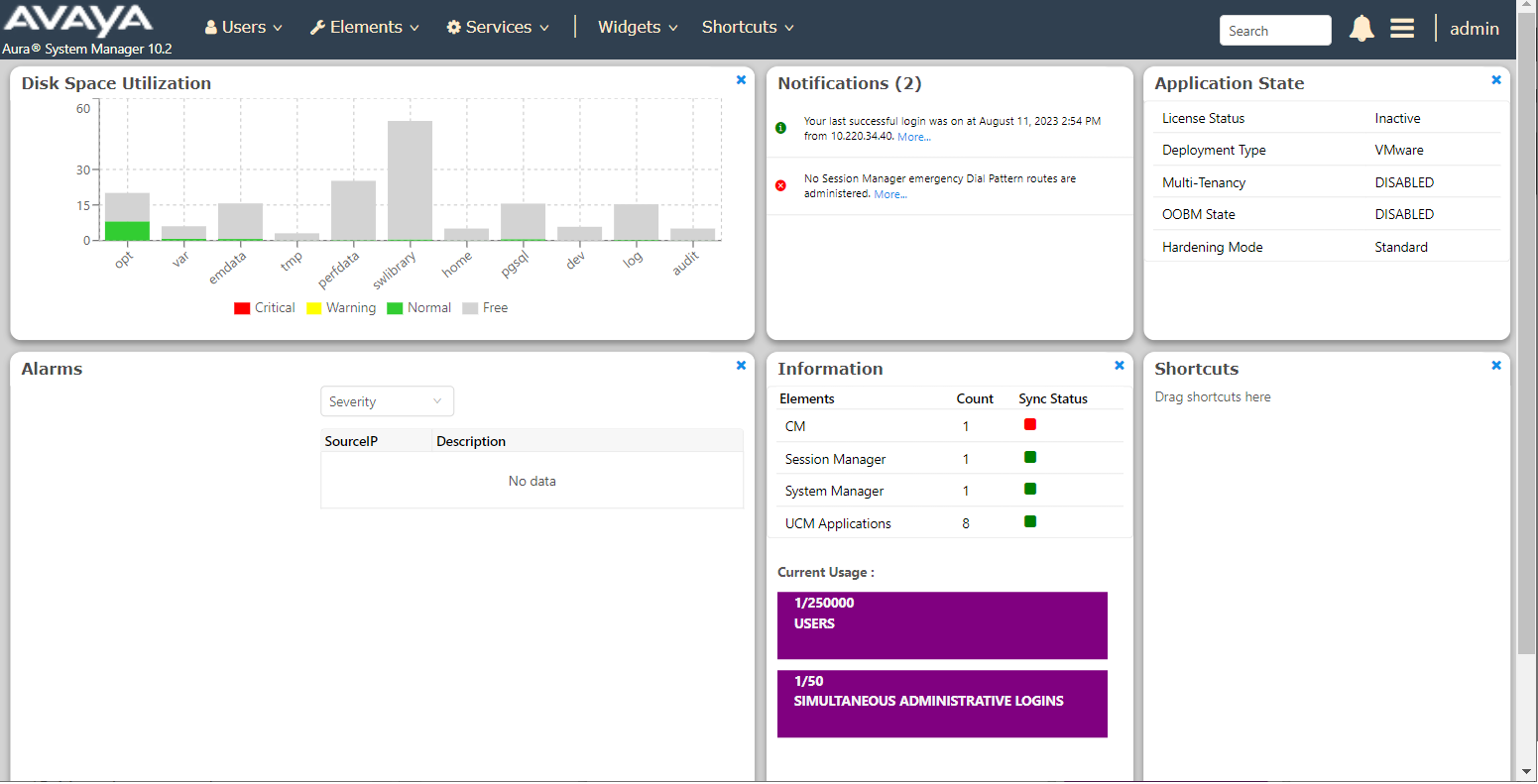
Avaya is a long-standing enterprise contact center provider and can be relevant for companies that already use Avaya infrastructure.
Who is it best for?
It can suit large enterprises with Avaya infrastructure that want to modernise contact-center capabilities without an immediate full replacement.
What features does it offer?
Contact-center routing, IVR, workforce engagement, reporting, AI-assisted capabilities, and Microsoft Teams connectivity across relevant offerings.
Which integrations does it support?
It supports Salesforce, Microsoft Teams, and other enterprise integrations. Packaging and professional-services requirements can vary by deployment.
How does pricing work?
AXP Public Cloud runs roughly $35–89/user/month across Digital, Voice, and All Media tiers; Avaya Infinity (the current flagship CCaaS platform) is quote-based, shaped by agent count, channels, and AI modules.
What are the pros and considerations?
Confirm the migration path, deployment model, existing-infrastructure compatibility, CRM requirements, and contract scope.
What do customers say?
Review Avaya Experience Platform’s live G2 profile for current ratings, review volume, and recent customer feedback.
11. TeleCMI
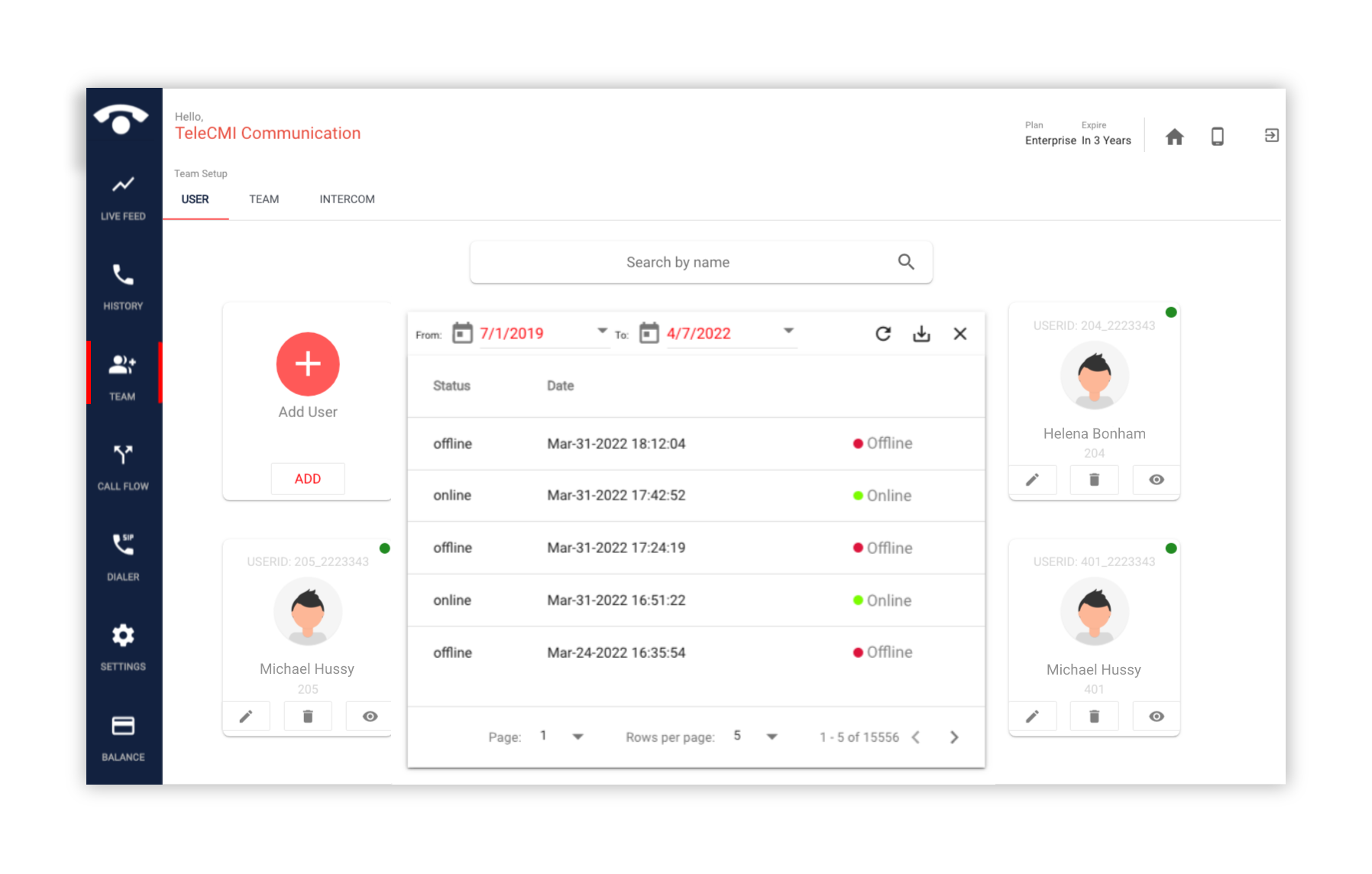
TeleCMI is a cloud IVR and business calling platform commonly considered by smaller Indian businesses with straightforward requirements.
Who is it best for?
It can suit cost-conscious Indian SMBs that need basic cloud IVR, virtual numbers, and business calling.
What features does it offer?
IVR, call-flow building, virtual numbers, routing, call tracking, multilingual prompts, and standard business calling tools.
Which integrations does it support?
It supports standard CRM connectors and integrations. Confirm the screen-pop, logging, reporting, and customisation functions your team needs.
How does pricing work?
Published tiers start at $10/user/month (Basic) and $25/user/month (Premium), billed annually — among the more budget-transparent options on this list.
What are the pros and considerations?
Check call charges, number availability, outbound controls, reporting needs, and whether advanced speech or AI capability is necessary.
What do customers say?
Review TeleCMI’s live G2 profile for current ratings, review volume, and recent customer feedback.
12. MyOperator
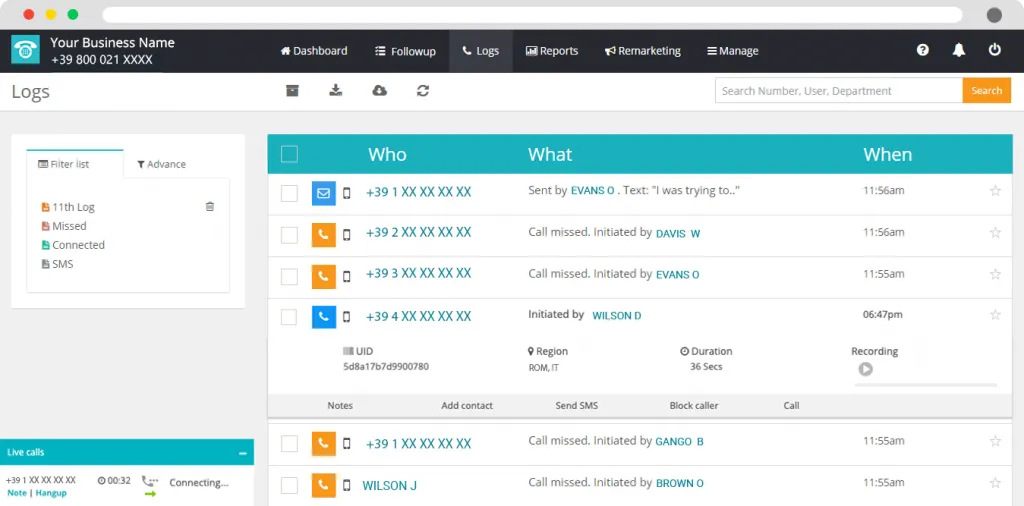
MyOperator is an Indian business communication platform that combines calling with WhatsApp and SMS options for smaller teams.
Who is it best for?
It can suit SMBs that want to combine voice, WhatsApp, and SMS outreach in one communication stack.
What features does it offer?
IVR, routing, dialer tools, live-call functions, campaign communication, sticky-agent routing, and lead-management workflows.
Which integrations does it support?
It offers Sales Mantra and custom integration options. Confirm the lead, call, task, and follow-up workflows included with your plan.
How does pricing work?
Starts at ₹2,500/month for the Compact plan (3 users); the Sedan plan runs ₹5,000/month for 10 users with unlimited inbound and outbound calling — among the more transparent, published pricing on this list.
What are the pros and considerations?
Review campaign scale, support, renewal terms, and the cost of WhatsApp and SMS at your projected usage.
What do customers say?
Review MyOperator’s live G2 profile for current ratings, review volume, and recent customer feedback.
13. Talkdesk
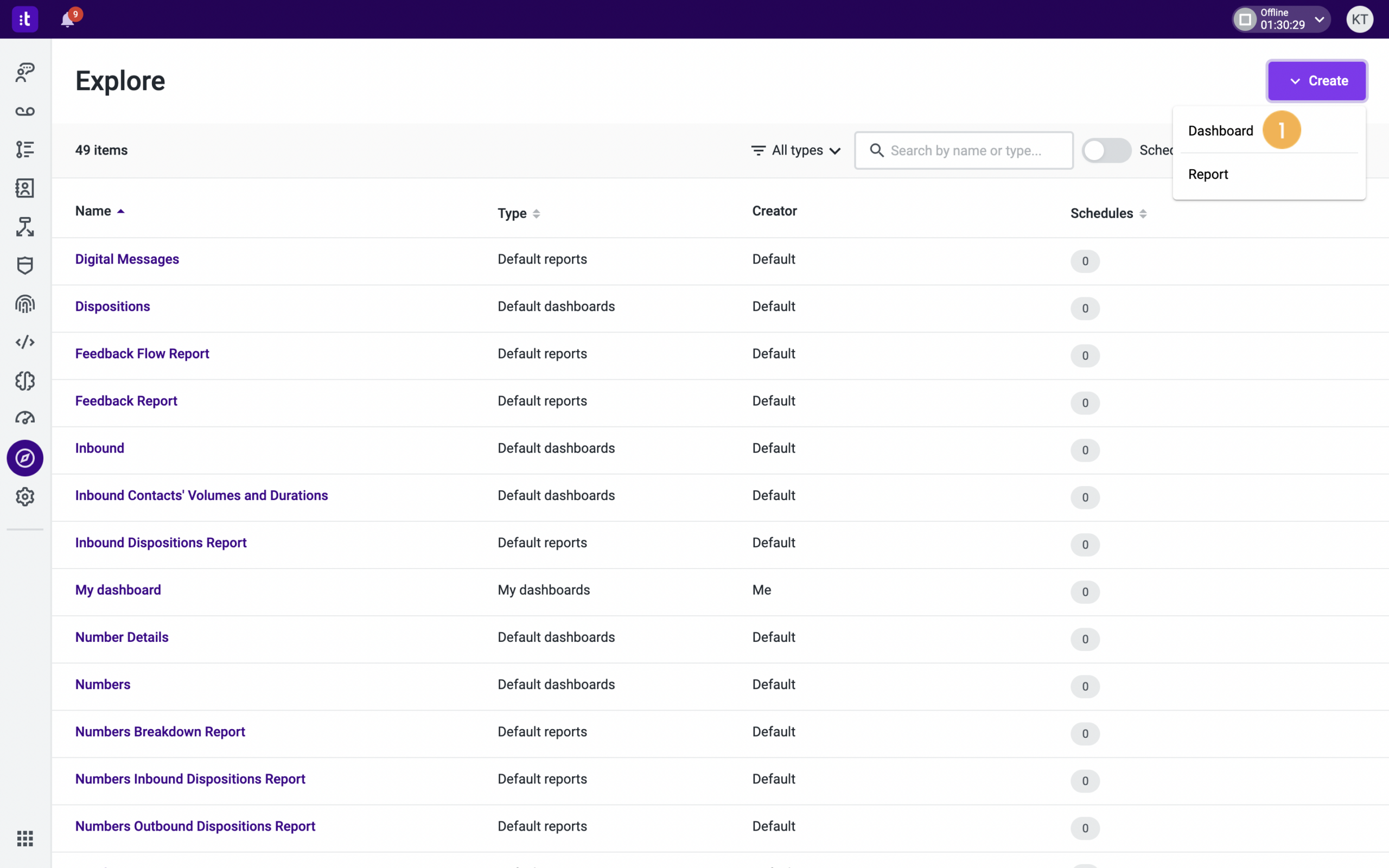
Talkdesk is a CCaaS platform for mid-market and enterprise teams that want configurable voice and digital customer experience workflows.
Who is it best for?
It can suit mid-market and enterprise teams, particularly regulated organisations requiring configurable CCaaS and digital CX capabilities.
What features does it offer?
Omnichannel routing, visual IVR and automation design, analytics, workforce engagement, quality management, AI, and industry-focused packages.
Which integrations does it support?
It supports Salesforce, Zendesk, Slack, Shopify, and a wider integration catalogue. The included scope depends on the product edition and implementation.
How does pricing work?
$85–225/user/month across four plans — Digital Essentials, Voice Essentials, Elite, and Industry Experience Clouds — with standard contracts running 3 years, a real lock-in factor worth negotiating down.
What are the pros and considerations?
Review commercial commitment, CRM workflow, language needs, and the modules included in the final proposal.
What do customers say?
Review Talkdesk’s live G2 profile for current ratings, review volume, and recent customer feedback.
14. NICE CXone
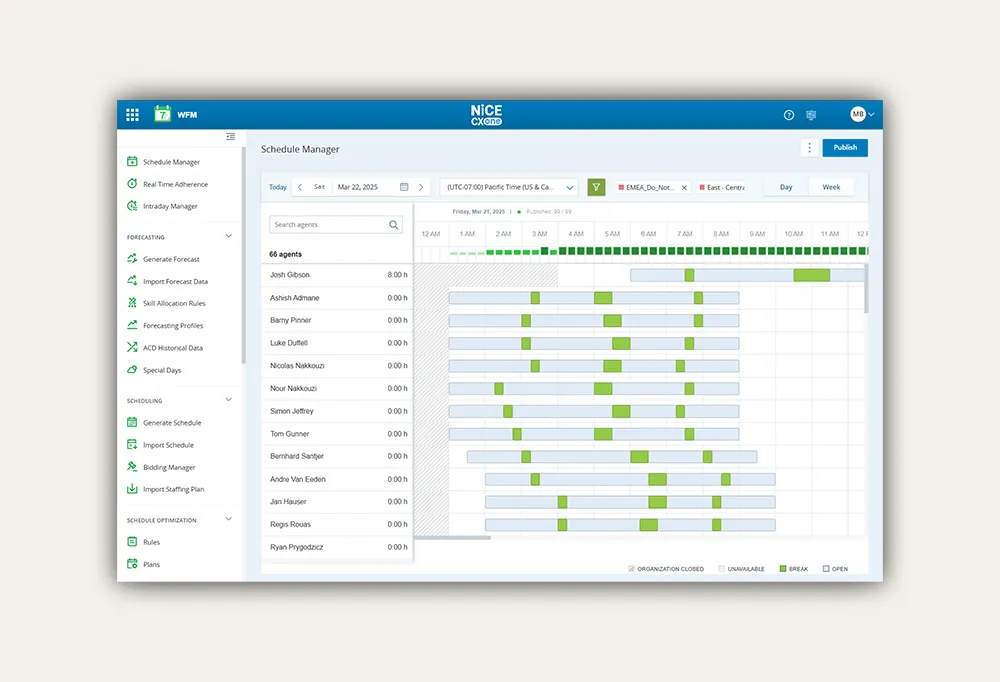
NICE CXone is an enterprise CX platform for large contact centres that need extensive routing, workforce, quality, and analytics capabilities.
Who is it best for?
It can suit large enterprise contact centres requiring sophisticated routing, workforce engagement, quality management, analytics, and AI capabilities.
What features does it offer?
Omnichannel routing, IVR, ACD, self-service, analytics, workforce management, quality management, and AI tools across the CXone portfolio.
Which integrations does it support?
It supports Salesforce, Zendesk, and native CX suite integrations. Ask to see the agent workflow, reporting, and data movement live.
How does pricing work?
$110–135/agent/month, scaling with channels, AI features, and workforce tools added — pricing sits toward the top of the market alongside Genesys.
What are the pros and considerations?
Confirm implementation scope, governance needs, hosting and telephony, integrations, language testing, and long-term commercial commitments.
What do customers say?
Review NICE CXone’s live G2 profile for current ratings, review volume, and recent customer feedback.
15. Freshcaller
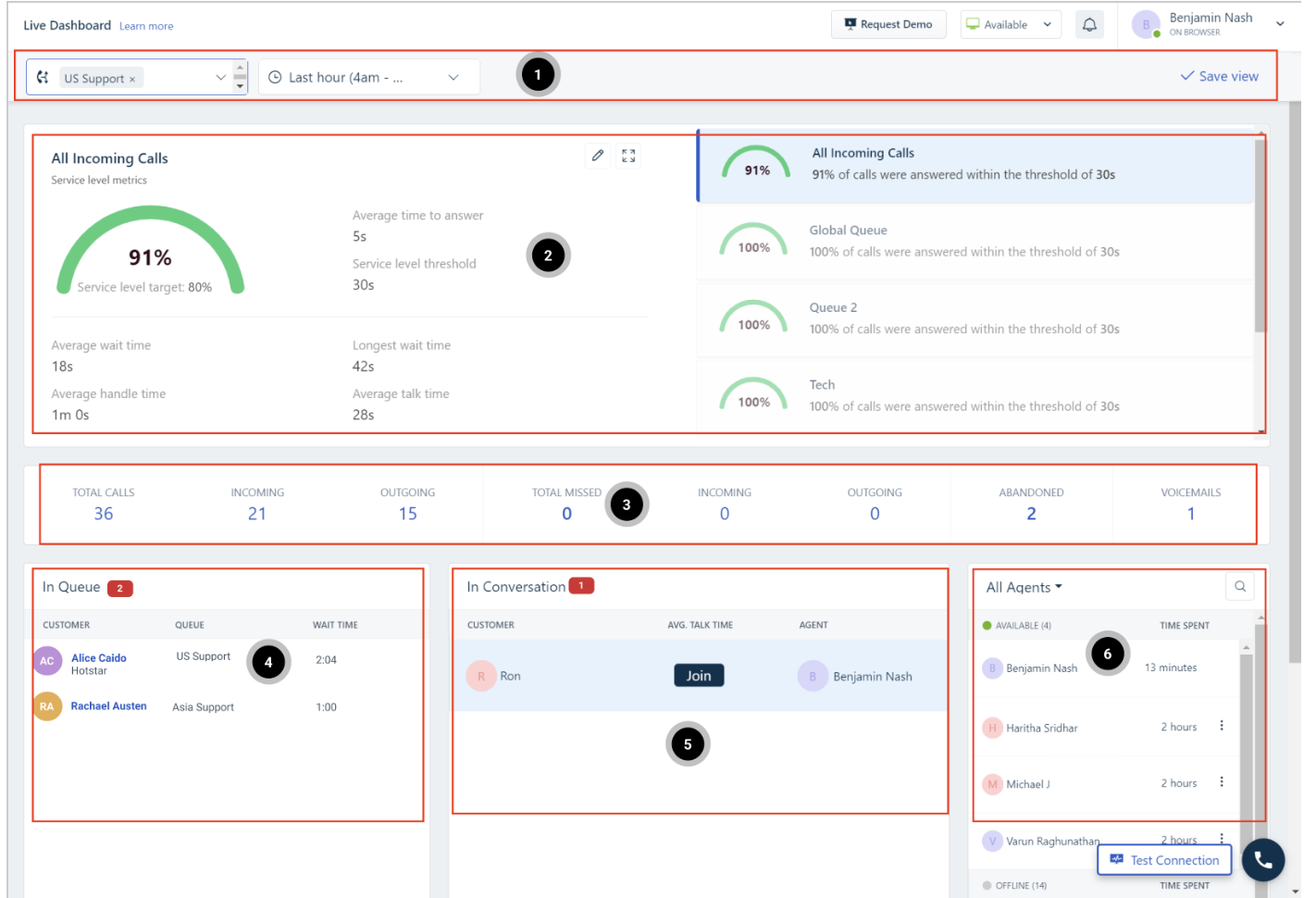
Freshdesk and Freshcaller are Freshworks products that can suit support teams looking to manage calls and tickets in a familiar service workspace.
Who are they best for?
They can be a good fit for existing Freshworks customers who want calling within their support and ticketing environment.
What features do they offer?
Cloud calling, IVR, routing, recordings, ticket-led support workflows, and unified agent experiences across relevant Freshworks bundles.
Which integrations do they support?
They work natively with Freshdesk and Freshsales. Salesforce, Zoho, and other external connections may also be available.
How does pricing work?
Freshcaller alone starts around $39/user/month (Pro tier); bundled Freshdesk Omni pricing scales with agent seats and channel mix rather than being sold purely per-line.
What are the pros and considerations?
Test ticket creation, recording links, outbound dialer requirements, reporting, external CRM workflows, number availability, and bundle inclusions.
What do customers say?
Review Freshcaller’s live G2 profile for current ratings, review volume, and recent customer feedback.